
- Login to your client area: https://www.snapfrozen.com.au/clients/clientarea.php
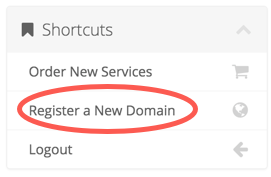
- From the lefthand sidebar, under shortcuts, choose "Register a New Domain"
- Enter your required domain and complete the "I'm not a robot" CAPTCHA

- This will now search to see if the domain is available.
- If the domain is available, you are able to "Add to Cart"

- Once added to cart, you can continue to add additional domains or proceed to "Checkout"

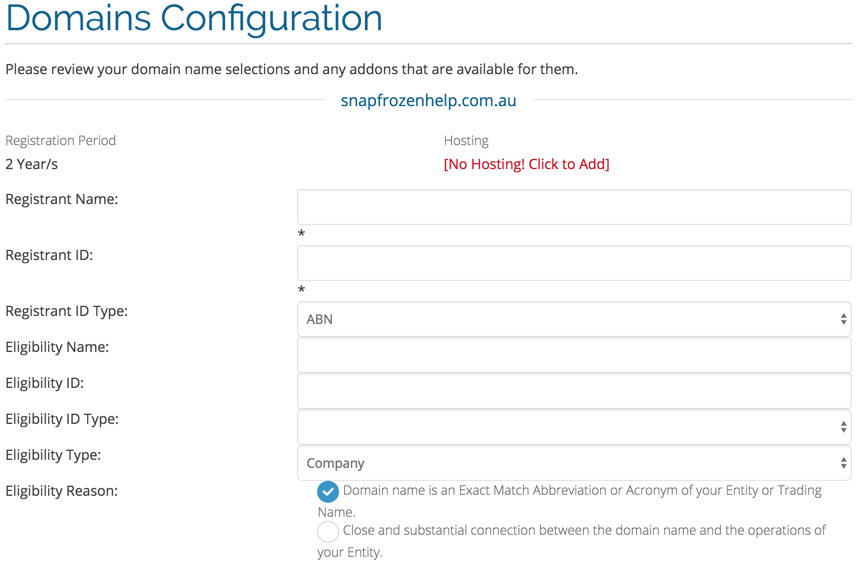
- For .com.au or other special domains, you will be required to provide additional registration details before proceeding:
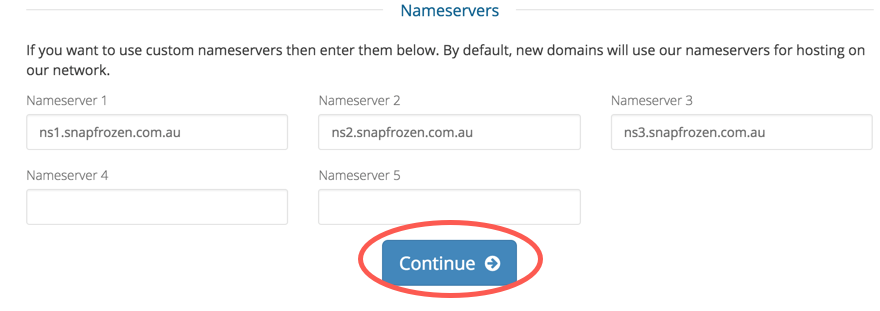
- Once completed, click "Continue" (NOTE: unless specifically required, you should leave nameservers as default):
- From here, you can add your billing information (NOTE: through this process we only allow for Credit Card or PayPal purchases) and accept our Terms of Service
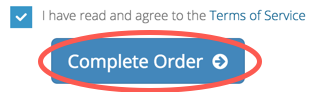
- Once you have completed the order, the request will be sent to the domain registrar for approval.
- 1 Users Found This Useful
